
Comparing PC Cooling Solutions: Air Cooling vs. Liquid Cooling

Introduction
When it comes to keeping your PC cool and performing optimally, cooling solutions are paramount. Computers generate heat during operation, and excessive heat can lead to reduced performance and even hardware damage. To combat this, PC enthusiasts and builders have two primary choices: air cooling and liquid cooling. In this article, we’ll dive into the world of PC cooling to help you understand the differences, advantages, and disadvantages of both air and liquid cooling solutions.
Air Cooling: The Classic Choice
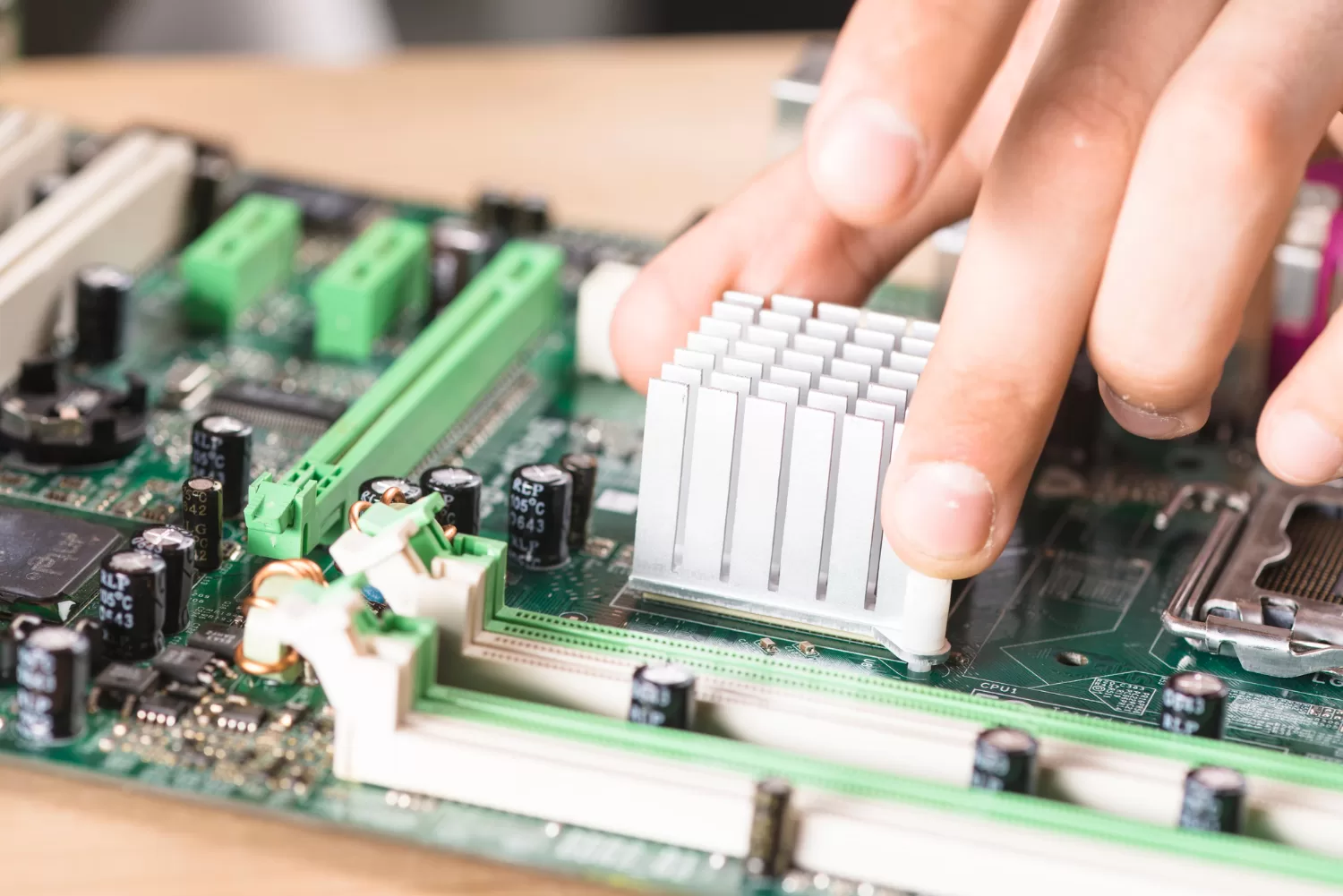
How it Works: Air cooling relies on the circulation of air within the computer case to dissipate heat from the CPU and other components. It consists of heatsinks and fans that draw heat away from the components and expel it into the surrounding environment.
Advantages:
- Cost-Effective: Air cooling is generally more budget-friendly than liquid cooling. High-quality air coolers can effectively cool your CPU without breaking the bank.
- Reliability: Air cooling systems have fewer components that can fail, making them more reliable and durable over time.
- Easy Maintenance: Cleaning and maintaining air coolers are relatively simple tasks. Regularly cleaning dust from the heatsinks and fans can keep them running efficiently.
- Quiet Operation: Many air coolers are designed for quiet operation, making them suitable for users who value a silent PC.
Disadvantages:
- Limited Cooling Potential: Air cooling may struggle to cool high-end CPUs, especially during overclocking, where liquid cooling can offer better performance.
- Bulkier: High-performance air coolers can be large and may interfere with the installation of RAM or other components in smaller cases.
- Less Aesthetic: Some users prefer the clean and sleek look of liquid cooling, as air coolers can appear bulky and obstructive.
Liquid Cooling: The Performance King
How it Works: Liquid cooling, also known as water cooling, uses a closed-loop system to circulate a coolant (usually a mixture of water and glycol) through a series of tubes and a radiator. Heat from the CPU and other components is absorbed by a water block and transferred to the coolant, which is then pumped to the radiator for dissipation.
Advantages:
- Superior Cooling Performance: Liquid cooling is exceptionally effective at cooling high-end CPUs and GPUs, making it a top choice for gaming and overclocking enthusiasts.
- Aesthetic Appeal: Liquid cooling systems often come with RGB lighting and clear tubes, adding a visually striking element to your PC build.
- Compact Design: Liquid cooling can be more compact and allows for greater flexibility in component placement, ideal for small form factor builds.
- Quiet Operation: Liquid cooling systems are known for their quiet operation since they don’t rely on noisy fans to cool components directly.
Disadvantages:
- Higher Cost: Liquid cooling systems are typically more expensive than air cooling solutions, not only in terms of initial purchase but also potential maintenance costs.
- Complex Installation: Installing a liquid cooling system can be more challenging and time-consuming, and it requires careful attention to detail to prevent leaks.
- Maintenance: While generally reliable, liquid cooling systems can require periodic maintenance, such as refilling the coolant or checking for leaks.
- Risk of Leaks: There is always a slight risk of leaks with liquid cooling systems, which could potentially damage other PC components.
Which Cooling Solution is Right for You?
The choice between air and liquid cooling depends on your specific needs, preferences, and budget. Here are some considerations:
- If you’re on a tight budget and don’t plan on heavy overclocking, air cooling is a practical choice.
- For high-performance gaming or content creation where CPU and GPU temperatures matter most, liquid cooling offers superior heat dissipation.
- If you prioritize a quiet PC, both air and liquid cooling systems can achieve low noise levels with the right components.
- For small form factor builds, liquid cooling’s compact design may be more suitable.
Conclusion
Ultimately, both air and liquid cooling solutions have their merits, and the choice comes down to what best aligns with your PC usage and aesthetic preferences. Regardless of your decision, proper cooling is crucial to ensure your PC’s longevity and performance, so choose wisely and keep your system running cool.


