
Laptop Security: Protecting Your Digital World

Introduction
In an increasingly digital and interconnected world, our laptops are not just devices; they are the gateways to our digital lives. Whether it’s work documents, personal photos, or sensitive information, the data on our laptops is invaluable. Ensuring the security of your laptop is paramount to safeguarding your digital world. In this blog post, we’ll explore essential tips and strategies for laptop security to protect your precious data and privacy.
1. Strong Passwords and Authentication
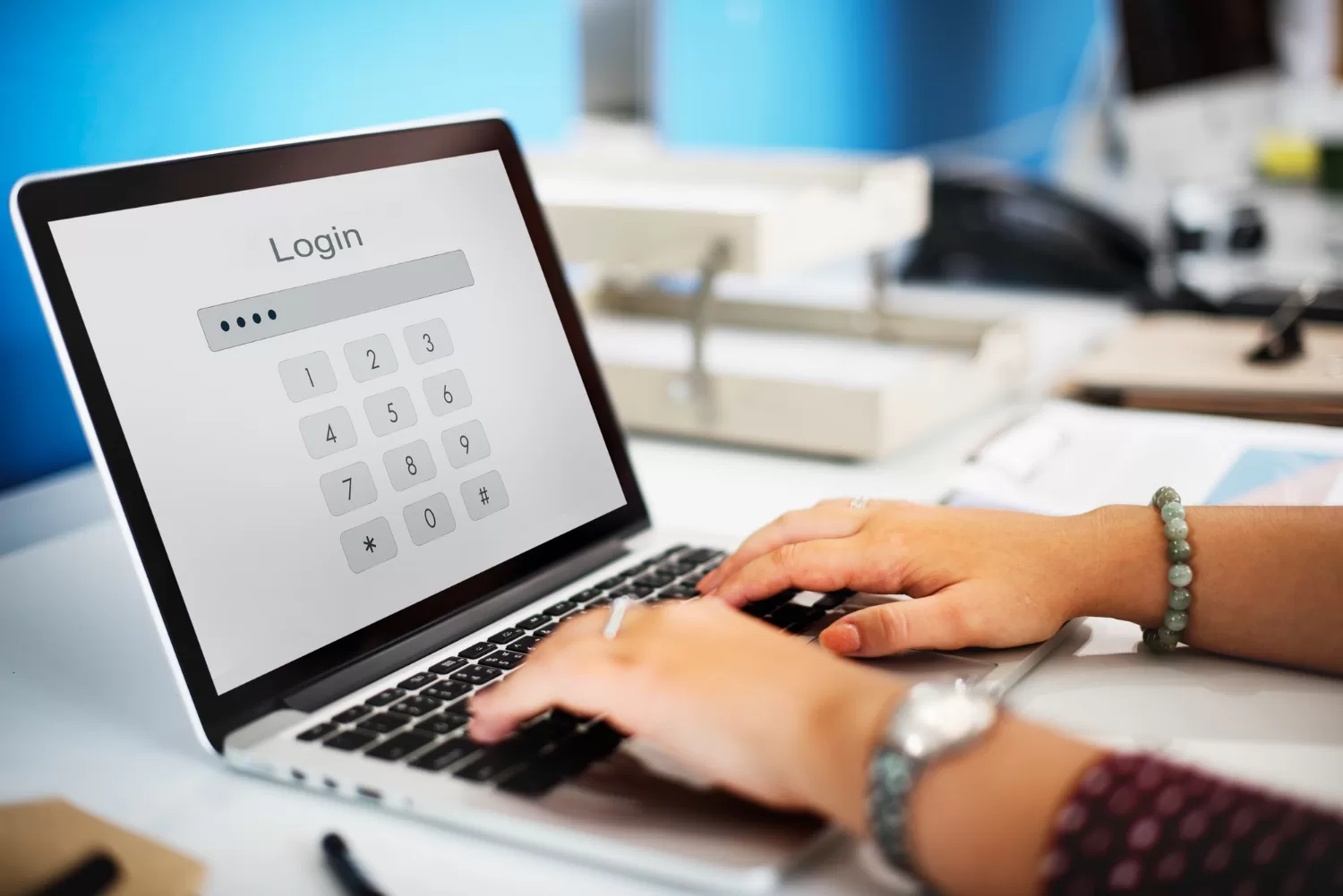
The first line of defense for your laptop is a strong and unique password. Avoid easily guessable passwords and consider using a passphrase, combining uppercase and lowercase letters, numbers, and symbols. Additionally, enable multi-factor authentication (MFA) whenever possible. MFA adds an extra layer of security by requiring you to provide a second form of verification, such as a fingerprint or a one-time code sent to your mobile device.
2. Keep Your Operating System and Software Updated
Regularly updating your laptop’s operating system and software is crucial for security. These updates often include patches for vulnerabilities that cybercriminals could exploit. Set your system to automatically download and install updates to stay protected against emerging threats.
3. Antivirus and Anti-Malware Software
Install reputable antivirus and anti-malware software on your laptop. These programs can detect and remove malicious software, including viruses, ransomware, and spyware. Keep your security software up to date to ensure it can identify the latest threats.
4. Use a Firewall
Firewalls act as a barrier between your laptop and potential threats from the internet. Ensure that your laptop’s built-in firewall is enabled, and consider using a network firewall for added protection. Firewalls monitor incoming and outgoing network traffic, blocking unauthorized access.
5. Encrypt Your Data
Data encryption is a powerful tool for protecting your information. Use full-disk encryption to secure all the data on your laptop. This means that even if your laptop is lost or stolen, the data remains inaccessible without the encryption key.
6. Be Wary of Phishing and Social Engineering
Cybercriminals often use phishing emails and social engineering tactics to trick users into revealing sensitive information. Be cautious when clicking on links or downloading attachments from unknown sources. Verify the legitimacy of emails, especially if they request personal or financial information.
7. Secure Your Wi-Fi Connection
Ensure that your Wi-Fi network is secure by using a strong password and encryption (WPA3 is recommended). Avoid using public Wi-Fi for sensitive tasks like online banking, as these networks are more vulnerable to cyberattacks.
8. Backup Your Data Regularly
Regular data backups are your safety net in case of a cyberattack or hardware failure. Use an automated backup solution to store copies of your data in a secure location, whether it’s an external hard drive or a cloud-based service.
9. Physical Security
Don’t overlook physical security. Lock your laptop when not in use, and consider using a cable lock if you need to leave it unattended in public places. Ensure your laptop’s location is secure to prevent theft.
10. Educate Yourself
Stay informed about the latest cybersecurity threats and best practices. Educating yourself about potential risks and security measures is a proactive way to protect your digital world.
Conclusion
In conclusion, laptop security is a critical aspect of modern life. By implementing these security measures and staying vigilant, you can significantly reduce the risk of data breaches and cyberattacks. Remember, safeguarding your laptop is not just about protecting a device; it’s about preserving your digital world and maintaining your peace of mind.


