
MacBooks vs. Windows Laptops: Pros and Cons

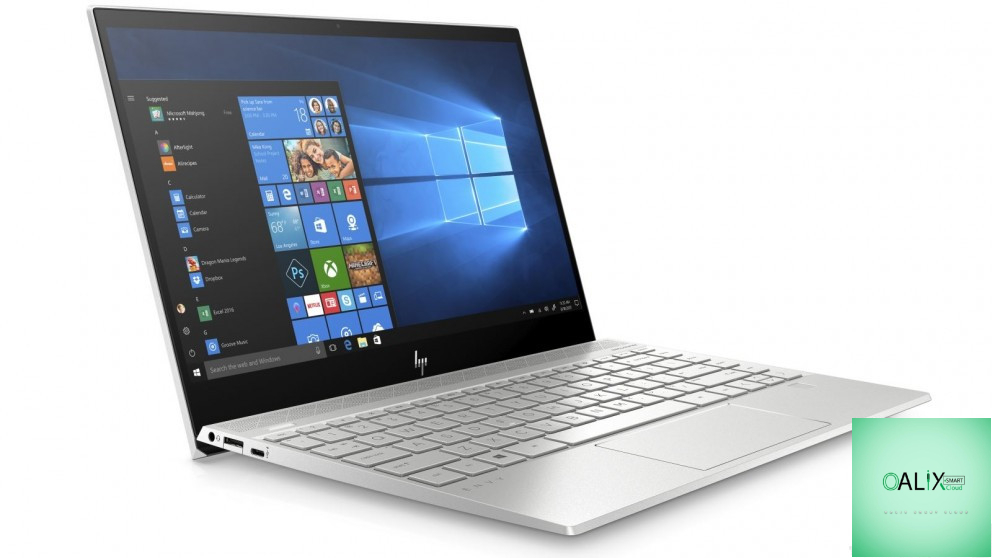
Introduction
Choosing between a MacBook and a Windows laptop is a decision that many computer users face. Each platform has its own set of advantages and drawbacks, and the choice ultimately depends on your specific needs and preferences. In this guide, we’ll explore the pros and cons of MacBooks and Windows laptops to help you make an informed decision.
MacBooks:
Pros:
- Build Quality and Design: MacBooks are renowned for their sleek, premium design and solid build quality. They often feature unibody aluminum enclosures, making them both stylish and durable.
- User-Friendly OS: macOS is known for its user-friendly interface and ease of use. If you’re new to computers or prefer a straightforward operating system, macOS is a great choice.
- Performance and Optimization: MacBooks are highly optimized for their hardware, providing efficient performance. This optimization is due to Apple’s control over both the hardware and software.
- Ecosystem Integration: If you own other Apple devices, such as an iPhone or iPad, the seamless integration between these devices is a significant advantage. Features like Continuity, AirDrop, and Handoff make your workflow smoother.
- Security: macOS is known for its robust security features. Apple’s stringent app review process and automatic security updates contribute to a more secure computing environment.
Cons:
- Price: MacBooks tend to be more expensive than their Windows counterparts with similar hardware. This premium pricing can be a significant drawback for budget-conscious users.
- Limited Customization: MacBooks offer limited customization options, and most components are not user-upgradeable. You’ll need to choose your desired configuration at the time of purchase.
- Software Compatibility: While macOS offers a wide range of software, it may not support certain niche applications or games that are readily available on Windows.
- Hardware Restrictions: MacBooks often come with fewer ports and connectivity options. The transition to USB-C ports in recent models may require additional adapters for older peripherals.
Windows Laptops:
Pros:
- Diverse Hardware: Windows laptops come in various shapes, sizes, and configurations. Whether you need a lightweight ultrabook, a powerful gaming laptop, or a budget-friendly option, Windows has you covered.
- Software Compatibility: Windows is compatible with a vast array of software, including a wide selection of applications and games. You have access to a broader software ecosystem.
- Price Range: Windows laptops span a wide price range, making it easier to find a laptop that suits your budget and requirements.
- Customization and Upgradability: Many Windows laptops allow users to customize and upgrade components like RAM, storage, and even the graphics card, offering longevity and adaptability.
Cons:
- Varying Build Quality: While many premium Windows laptops offer excellent build quality, lower-end models may not match the build and design standards of MacBooks.
- Operating System: While Windows 10 and Windows 11 have improved user experience and security, they can be perceived as less straightforward for users accustomed to macOS.
- Bloatware: Some Windows laptops come with pre-installed bloatware or unnecessary software that can affect performance and user experience.
- Security: Windows has historically been more susceptible to malware and viruses, although modern security features have improved its defenses.
Conclusion: Making the Right Choice
The choice between a MacBook and a Windows laptop depends on your individual needs, preferences, and budget. MacBooks are known for their premium build quality, user-friendly OS, and tight integration with the Apple ecosystem. However, they come at a premium price and offer limited customization. Windows laptops, on the other hand, come in a wide range of options, with a variety of hardware configurations, price points, and customization possibilities. Windows is the go-to choice for software compatibility and gaming.
Ultimately, the right decision comes down to your priorities. If you value design, integration with Apple devices, and security, a MacBook might be the best choice for you. On the other hand, if you seek diverse hardware options, software compatibility, and affordability, a Windows laptop is likely the better fit. Consider your needs, evaluate the pros and cons, and choose the platform that aligns with your computing requirements.


