
Security Considerations for Networked Printers: Protecting Your Data

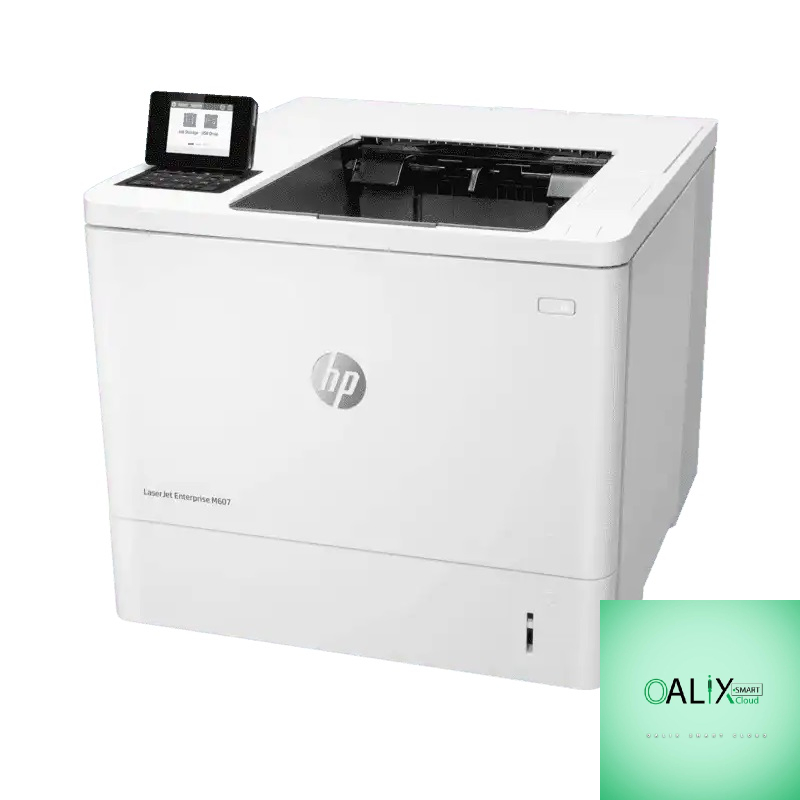
In our increasingly digital world, networked printers have become an essential part of office environments. They provide convenience and efficiency, but they can also pose security risks if not properly protected. In this blog post, we will delve into the critical security considerations for networked printers and discuss how to safeguard your data and devices.
Understanding the Risks
Networked printers, like any other connected devices, can be vulnerable to various security threats. Here are some of the common risks associated with networked printers:
- Unauthorized Access: If not adequately protected, hackers can gain access to your networked printer, potentially using it as a gateway to infiltrate your entire network.
- Data Exposure: Printed documents often contain sensitive information. Without proper security measures, printed documents can be intercepted or stolen.
- Malware Attacks: Networked printers can be targeted by malware that may disrupt their operations or steal data.
- Unintentional Exposure: Misconfigured settings or unattended printouts can result in sensitive documents being accessible to unauthorized personnel.
Security Measures for Networked Printers
To protect your networked printers and the data they handle, consider the following security measures:
1. Password Protection:
Change default login credentials: One of the most common security lapses is leaving default usernames and passwords unchanged. Always set strong, unique passwords for your printers.
2. Access Control:
Restrict access to authorized users: Implement user authentication methods such as PINs, smart cards, or biometrics to ensure only authorized personnel can use the printer.
3. Firewall and Network Segmentation:
Isolate your printer on a separate network segment to prevent unauthorized access and the spread of malware.
4. Firmware and Software Updates:
Regularly update the printer’s firmware and software to patch vulnerabilities. Manufacturers often release updates to enhance security.
5. Secure Printing:
Use secure print features that require users to authenticate at the printer before documents are released. This prevents documents from sitting unattended in output trays.
6. Encryption:
Enable data encryption for print jobs. This ensures that data sent to the printer is protected during transmission.
7. Remote Management:
Disable remote management features if they are not needed. If they are required, ensure they are securely configured and accessed.
8. Logging and Auditing:
Enable logging and auditing features on your printer. Regularly review logs for any unusual activity.
9. Physical Security:
Secure the printer in a locked room or cabinet to prevent unauthorized physical access.
10. Educate Users:
Train employees on printer security best practices, including the secure disposal of printed documents.
Regular Security Audits
Security is an ongoing process. Regularly conduct security audits and vulnerability assessments on your networked printers. This helps you identify and address any potential weaknesses before they can be exploited.
Conclusion
Networked printers are valuable assets, but they can also be potential security risks. It’s crucial to be proactive in securing these devices to protect sensitive data and maintain the integrity of your network. By following the security considerations and implementing the recommended measures, you can use networked printers with confidence, knowing that your data is well protected. Remember that in today’s digital landscape, security is a shared responsibility that everyone in the organization should take seriously.


