
Budget Desktops: Your Affordable Solution for Home and Office Computing

Introduction:
In today’s digital age, having a reliable desktop computer for home and office use is essential. Fortunately, you don’t need to break the bank to get your hands on a capable machine. In this blog post, we’ll explore the world of budget desktops, highlighting their advantages and guiding you on how to make an informed choice that suits your needs without straining your wallet.
1. Affordable Performance
Budget desktops may not have the high-end specs of their pricier counterparts, but they offer more than enough power for everyday tasks. Whether you’re working on documents, browsing the web, or streaming content, these machines can handle it with ease.
2. What to Look for in a Budget Desktop
When shopping for a budget desktop, consider the following factors:
- Processor: Look for at least a mid-range processor (e.g., Intel Core i3 or AMD Ryzen 3) for smooth multitasking.
- RAM: 8GB of RAM is the minimum for most tasks, while 16GB provides more headroom.
- Storage: Opt for an SSD if possible for faster boot times and responsiveness.
- Operating System: Windows and Chrome OS are common choices for budget desktops, each with its advantages.
- Expandability: Check if the desktop allows for easy RAM or storage upgrades to future-proof your purchase.
3. Compact Form Factors
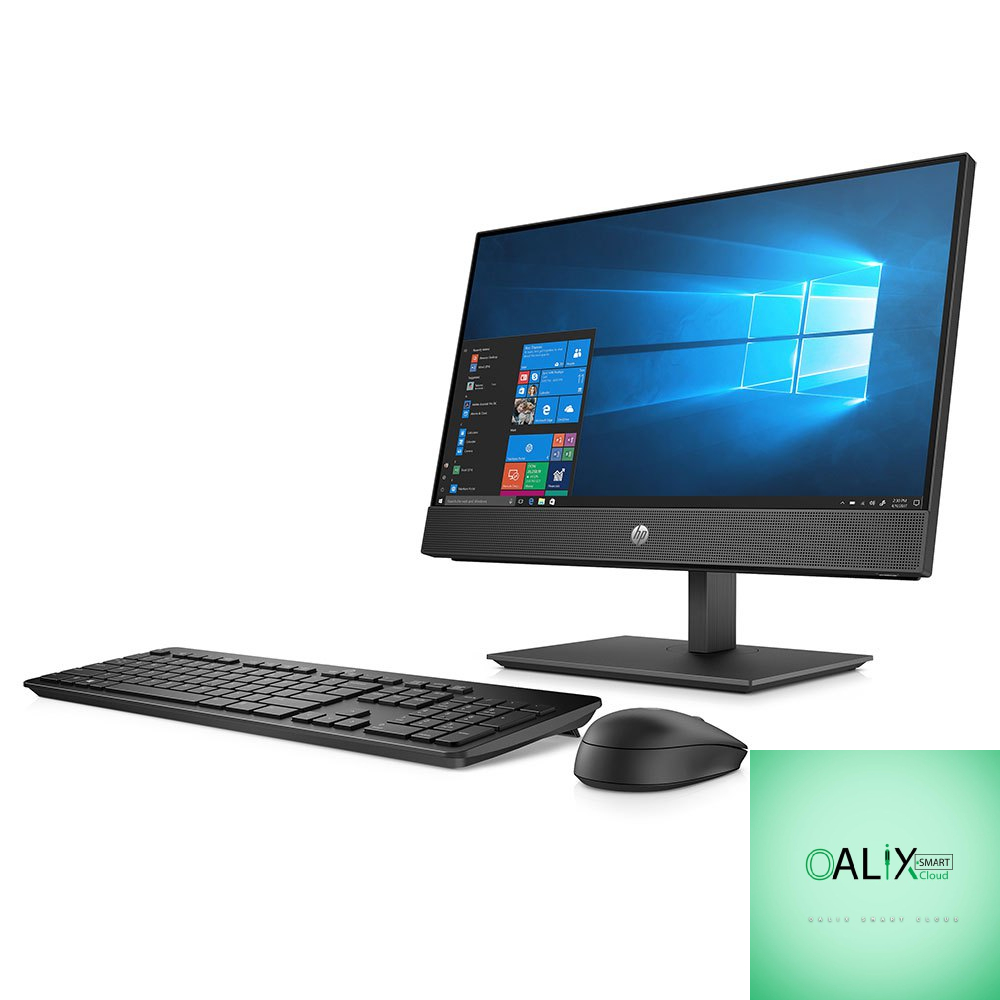
Budget desktops come in various form factors, including mini PCs and all-in-one systems. These compact designs save space, making them ideal for home offices or small desks.
4. Connectivity and Ports
Ensure your chosen budget desktop has the necessary ports for your peripherals and connectivity needs. USB, HDMI, and Ethernet ports are common and handy for various devices.
5. Integrated Graphics vs. Dedicated Graphics
For home and office use, integrated graphics are often sufficient. They save power and reduce costs. However, if you plan to do light gaming or graphic-intensive work, consider a model with dedicated graphics.
6. Operating Systems
- Windows: Windows desktops are versatile and support a wide range of software applications.
- Chrome OS: Chromebooks and Chromebox’s are budget-friendly options, suitable for users who primarily use web-based applications.
7. Brand Reputation
Stick to reputable brands known for producing reliable desktops. Brands like Dell, HP, Lenovo, and Acer offer budget-friendly options with good customer support.
8. Budget-Friendly Software Options
Don’t forget to explore free and open-source software options to save on software expenses. LibreOffice, GIMP, and many other tools can replace costly office suites and design software.
9. Consider Refurbished Models
If you’re looking for even more savings, consider refurbished budget desktops. These are often certified and come with warranties, providing excellent value for money.
Conclusion:
Budget Desktops for Efficiency and Savings
Budget desktops have come a long way in terms of performance and features. With the right choice, you can enjoy a reliable computing experience for both home and office tasks without straining your budget. Carefully assess your needs, research your options, and consider the factors mentioned above to find the perfect budget desktop that suits your requirements and wallet-friendly ambitions.


