
Build a Solid Foundation with the Right Motherboard: Your Guide to Optimal PC Performance

Introduction
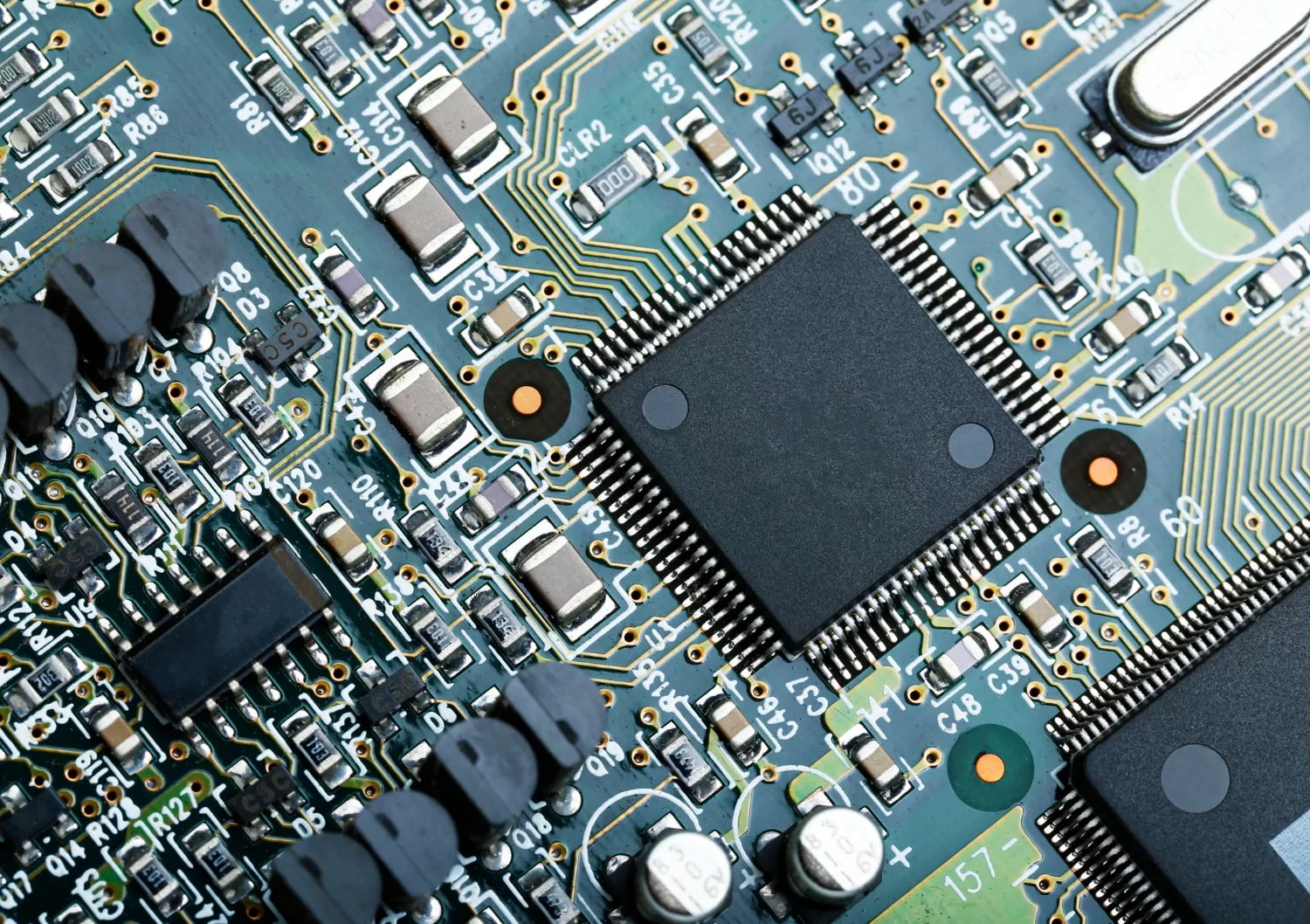
When embarking on a journey to build your dream PC, the motherboard is the unsung hero that forms the backbone of your entire system. Often referred to as the “heart” of your computer, the motherboard’s importance cannot be overstated. It determines the compatibility of your components, influences your system’s capabilities, and plays a crucial role in overall performance. In this post, we’ll explore why choosing the right motherboard is essential to building a solid foundation for your PC.
The Motherboard: Where It All Begins
The motherboard is the central hub that connects all your PC’s components – the CPU, RAM, GPU, storage drives, and more. Its layout, design, and features dictate how efficiently these components interact and communicate. A well-chosen motherboard can unlock the true potential of your hardware, while a mismatched choice may lead to performance bottlenecks and limitations.
Compatibility is Key: CPU and RAM Integration
One of the primary considerations when selecting a motherboard is its compatibility with your chosen CPU and RAM. Different motherboards support specific CPU socket types and RAM standards (DDR4, DDR5, etc.). Ensuring a harmonious match between these components is essential for optimal performance. Make sure to check the motherboard’s compatibility list to avoid any surprises during the assembly process.
Form Factor Flexibility: Size Matters
Motherboards come in various form factors, such as ATX, microATX, and Mini-ITX. The form factor affects the physical size of the motherboard and, consequently, the size of your PC case. Choosing the right form factor not only determines the overall size of your build but also impacts the number of expansion slots, ports, and other features available. A larger form factor may provide more room for additional components, while a smaller one can lead to a more compact and space-efficient build.
Future-Proofing with Expansion Slots
Expanding your system’s capabilities down the line often requires additional components, such as graphics cards, sound cards, or networking adapters. Selecting a motherboard with ample expansion slots ensures you have room to grow and adapt your PC to evolving needs. Consider the number of PCIe slots and other expansion options when choosing your motherboard.
Connectivity and Features: USB, Wi-Fi, and More
The right motherboard offers a diverse range of connectivity options and features that enhance your PC’s functionality. USB ports, Wi-Fi capabilities, Ethernet speed, and audio outputs are just a few of the considerations. Opt for a motherboard that aligns with your usage patterns, whether you prioritize fast internet speeds, seamless Bluetooth connectivity, or advanced audio options for content creation or immersive gaming experiences.
Overclocking and Power Delivery
For enthusiasts seeking to squeeze every drop of performance from their components, the motherboard’s power delivery and overclocking capabilities are critical. Look for motherboards with robust VRM (Voltage Regulator Module) designs and ample cooling solutions, as these factors influence your ability to overclock your CPU and RAM for increased performance.
Conclusion
As you embark on the exciting journey of building your own PC, remember that the motherboard is the canvas upon which your masterpiece will be painted. Choosing the right motherboard sets the stage for your system’s performance, capabilities, and adaptability. By considering factors such as compatibility, form factor, expansion options, connectivity, and overclocking potential, you can ensure that your PC build is built on a solid foundation, ready to deliver the power, speed, and functionality you desire. So, take your time, do your research, and select a motherboard that will pave the way for a truly exceptional computing experience.


