
Docking Stations for Laptops: Expand Connectivity and Productivity

Introduction
In today’s fast-paced world, laptops have become the go-to choice for professionals, students, and creatives. They offer portability and versatility, allowing us to work or play from anywhere. However, there are times when we need a desktop-like experience with more connectivity options. This is where docking stations for laptops come into play. In this blog post, we’ll explore how docking stations can expand your laptop’s connectivity and boost your productivity.
The Need for Connectivity Expansion
Laptops are designed to be compact and lightweight, which often means sacrificing the number of ports and connectivity options available. Many modern laptops come with a limited selection of USB ports, video outputs, and other essential connectors. This can be frustrating when you need to connect multiple peripherals, external displays, or network cables.
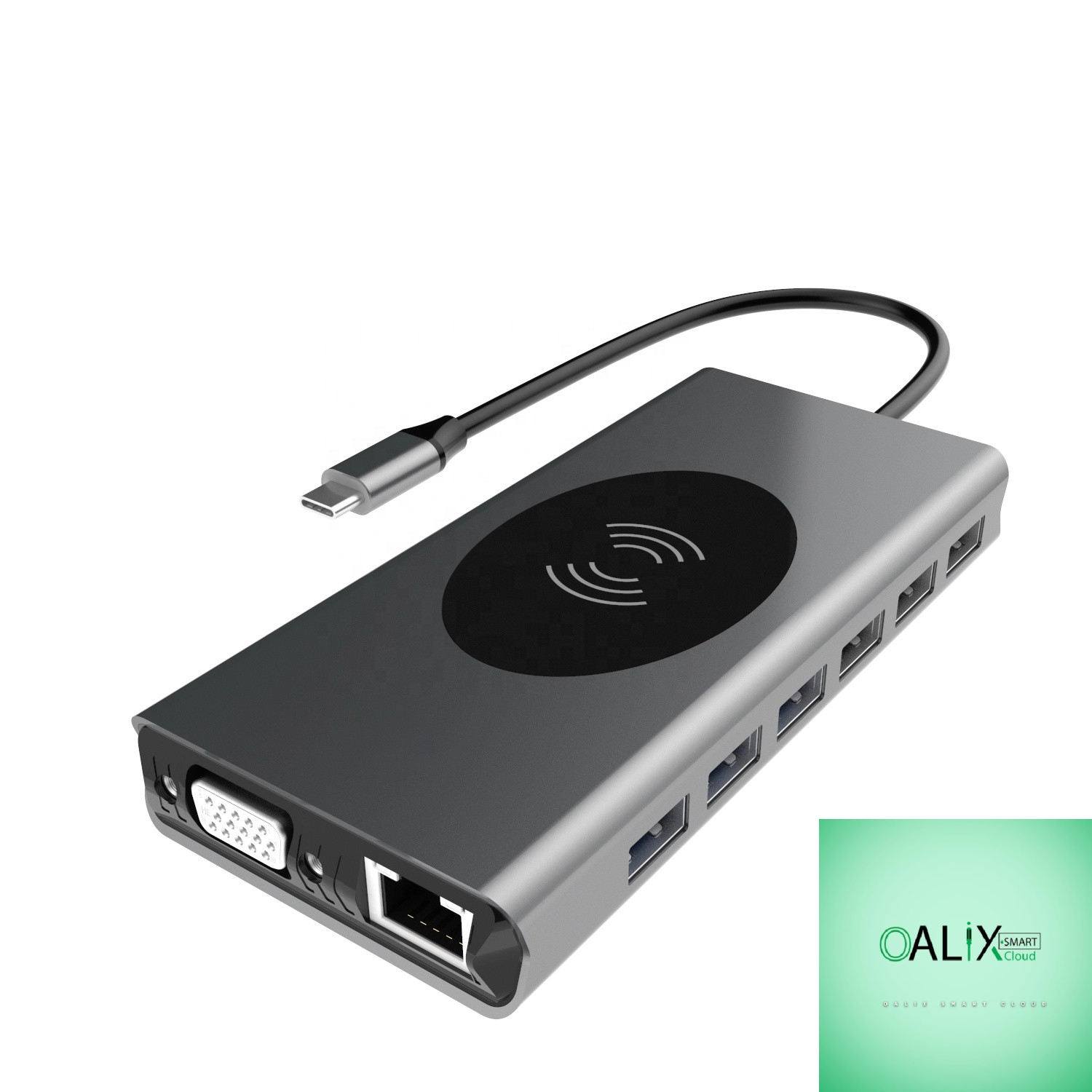
Docking stations address this issue by providing a hub of additional ports and connectivity options in a single device. They are designed to make your laptop a more versatile tool, whether you’re at your home office, a coworking space, or a client’s office.
Key Benefits of Docking Stations
1. Streamlined Connectivity:
Docking stations offer a wide range of ports, including USB, HDMI, DisplayPort, Ethernet, audio, and more. This means you can connect your laptop to multiple displays, external hard drives, printers, and other peripherals without constantly plugging and unplugging cables.
2. Single-Cable Connection:
Many modern docking stations use a single USB-C or Thunderbolt cable to connect to your laptop. This not only reduces clutter but also simplifies the process of connecting and disconnecting your laptop.
3. Multiple Monitor Support:
With a docking station, you can easily connect multiple monitors to your laptop, which is invaluable for tasks like video editing, data analysis, and multitasking.
4. Charging Capability:
Some docking stations can also charge your laptop while connected. This eliminates the need for a separate charger and ensures your laptop is always ready to go.
5. Enhanced Productivity:
The convenience of a docking station allows you to create a dedicated workstation at home or in the office. This can lead to increased productivity and a more comfortable work environment.
Choosing the Right Docking Station
When selecting a docking station for your laptop, consider the following factors:
1. Compatibility:
Ensure that the docking station is compatible with your laptop’s make and model. Not all docking stations work with every laptop.
2. Port Selection:
Determine which ports you need. Think about your daily tasks and the peripherals you use to make sure the docking station has the right ports for your needs.
3. Power Delivery:
If you want your laptop to charge while connected to the docking station, check the power delivery capabilities of the dock.
4. Additional Features:
Some docking stations come with extra features like audio output, card readers, and integrated graphics. Consider these features based on your requirements.
Conclusion
Docking stations for laptops are indispensable tools for anyone who wants to expand their laptop’s connectivity options and improve productivity. They offer a seamless transition between mobile and desktop computing environments, making it easy to adapt to different work scenarios. Whether you’re a remote worker, a student, or a professional, investing in a high-quality docking station can unlock the full potential of your laptop and enhance your overall computing experience.


