
Privacy and Security Concerns in the Smartphone Era: How to Protect Your Data

Introduction
In the digital age, smartphones have become an integral part of our lives, serving as our communication hubs, personal assistants, and even wallets. However, as these pocket-sized computers have become more powerful and feature-packed, they have also raised significant privacy and security concerns. In this blog post, we’ll delve into the evolving landscape of privacy and security in the smartphone era and provide practical tips on how to safeguard your data.
Understanding the Privacy Landscape
Our smartphones are a treasure trove of personal information. They store our contacts, messages, photos, and often have access to our location data. With the increasing number of apps and services we use, our digital footprint has never been larger. Here are some common privacy and security concerns:
- Data Breaches: High-profile data breaches have exposed millions of users’ personal information, including passwords and financial details.
- App Permissions: Many apps request access to sensitive data, such as your camera, microphone, or location. Understanding and managing these permissions is crucial.
- Location Tracking: While location services offer convenience, they can also be invasive. Apps can track your every move, potentially compromising your privacy.
- Online Tracking: Advertisers and data brokers can collect information about your online behavior, creating detailed profiles for targeted advertising.
- Phishing Attacks: Cybercriminals use various tactics to trick users into revealing personal information or login credentials.
Protecting Your Data
Now, let’s explore practical steps to protect your data and enhance your smartphone’s privacy and security:
1. Keep Your Phone Updated: Regularly update your device’s operating system and apps. Manufacturers and developers release updates to patch security vulnerabilities.
2. Review App Permissions: Carefully review the permissions apps request when installing or updating them. Only grant access that is necessary for the app’s functionality.
3. Use Strong, Unique Passwords: Create strong, unique passwords for your accounts and use a password manager to store them securely.
4. Enable Two-Factor Authentication (2FA): Enable 2FA whenever possible for your accounts. It adds an extra layer of security.
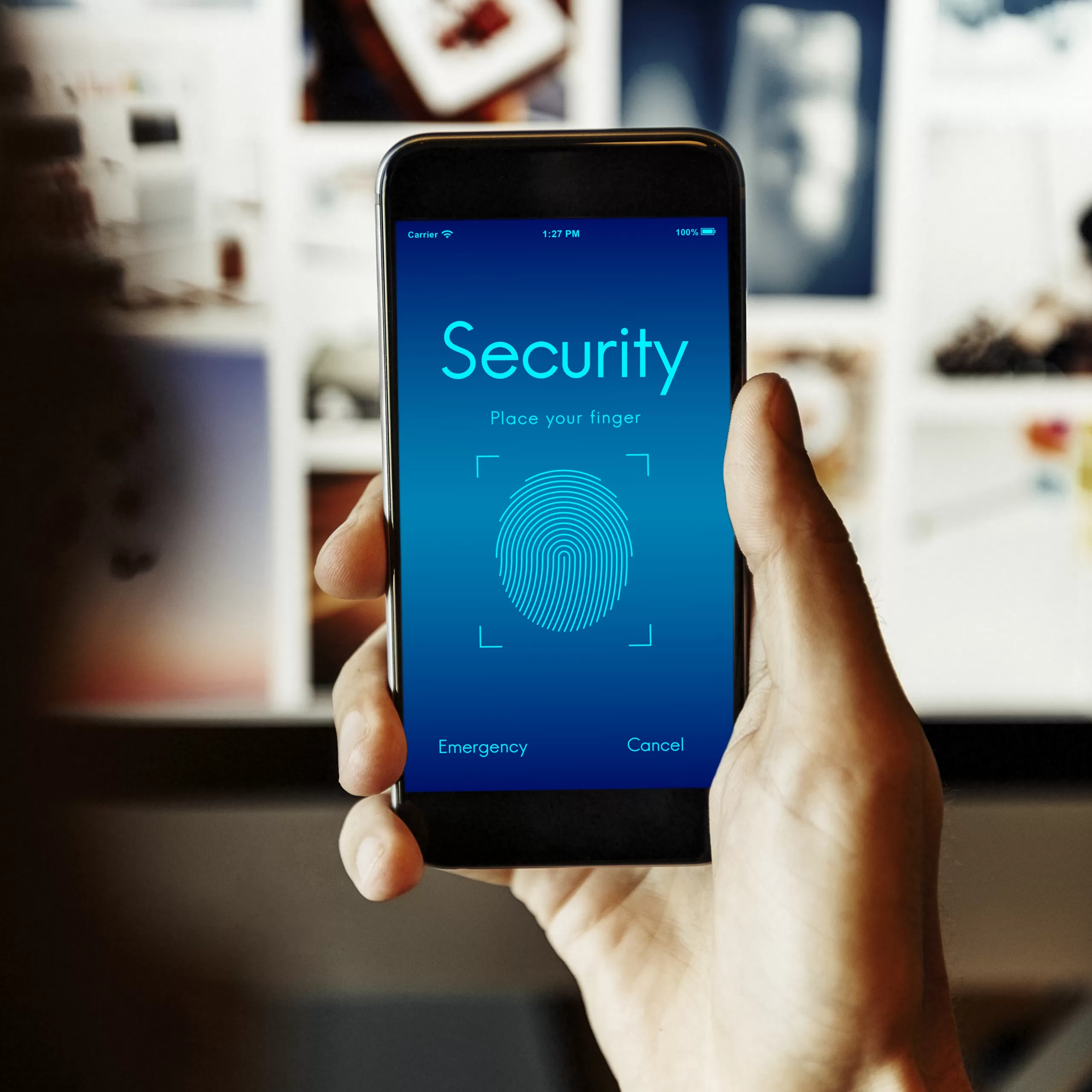
5. Protect Your Device: Set up a lock screen or biometric authentication (fingerprint or face recognition) to prevent unauthorized access to your phone.
6. Be Cautious with Public Wi-Fi: Avoid using public Wi-Fi networks for sensitive tasks like online banking. If necessary, use a VPN (Virtual Private Network) to encrypt your connection.
7. Review App Privacy Settings: Periodically review and adjust the privacy settings of your apps to limit data collection and sharing.
8. Use Encryption: Enable device encryption to protect your data if your phone is lost or stolen. Most modern smartphones have this feature.
9. Be Wary of Phishing: Be cautious of unsolicited messages or emails asking for personal information. Verify the sender’s authenticity before sharing any data.
10. Regularly Back Up Your Data: Ensure you regularly back up your data to a secure cloud service or an external device.
11. Install Security Software: Consider installing reputable security software or antivirus apps that can help detect and mitigate threats.
12. Educate Yourself: Stay informed about current privacy and security threats. Being aware is the first step in protecting your data.
Conclusion
As smartphones continue to play a central role in our daily lives, it’s essential to address the privacy and security concerns that come with them. By following the tips outlined in this blog post, you can take proactive steps to protect your data and enjoy the benefits of modern technology without sacrificing your privacy. Remember, staying informed and vigilant is key to maintaining control over your digital life in the smartphone era.


